People
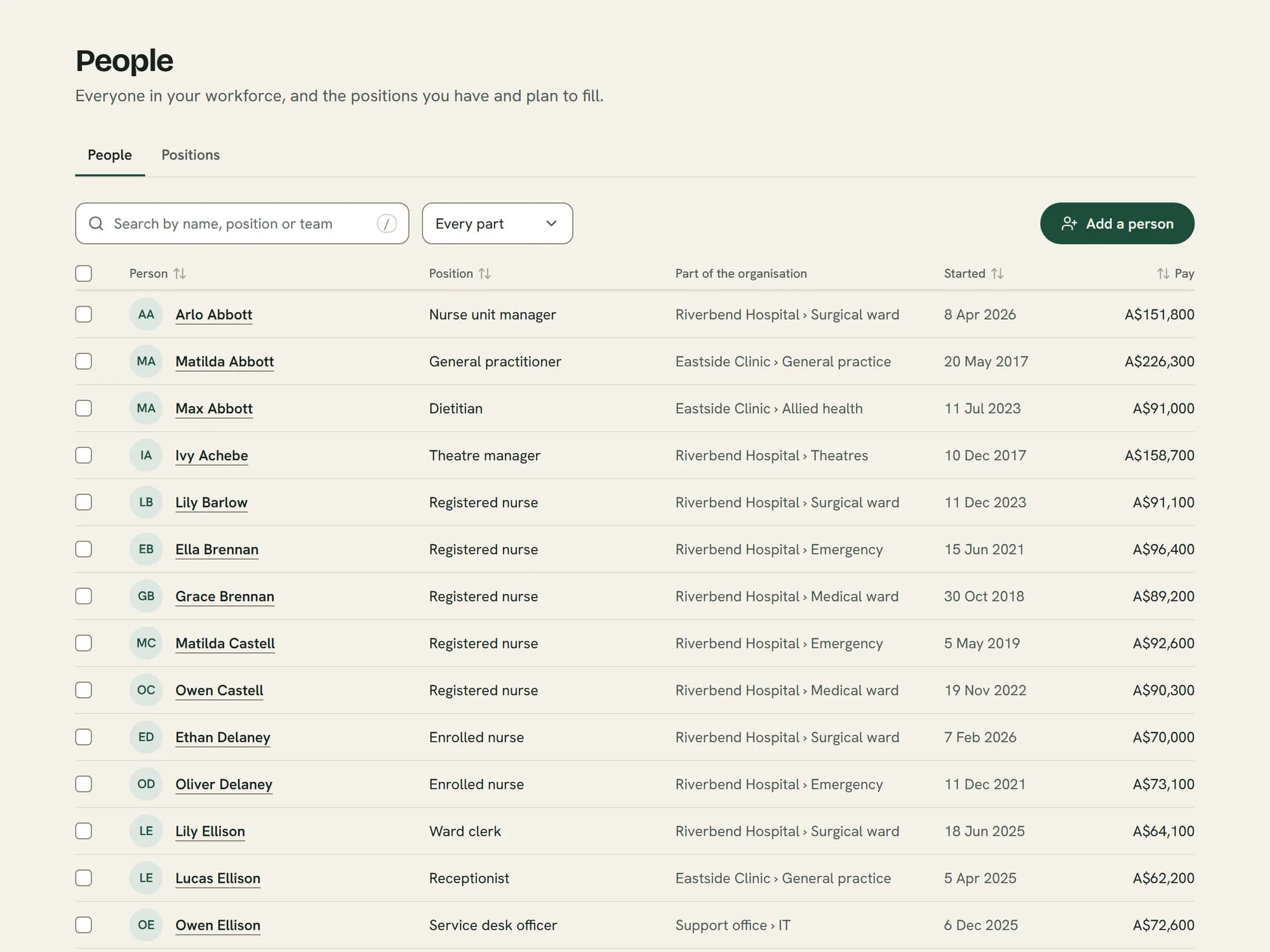
See who you have
Everyone who works for you, where they sit and when they started.
- Bring in the spreadsheet you have
- Pay shows only for those allowed to see it
Sample organisation, everyone invented.
HR software for Australian businesses. Keep your people’s records, hire and onboard, run reviews and training, and see what a decision costs before you make it.
Monty doesn’t run pay. Keep your payroll with Xero, MYOB or your accountant.
New customers pay a launch price: Growth from A$5 a person a month, plus GST.
Choose from 12 industry templates, then make it your own, or start from scratch.
Monty sets up the levels, employment types and planning words your kind of work uses.
Rename, add or remove anything before you begin, and change it any time after.
Begin with a blank setup and build it your own way.

Cover around the clock, and funding that ends on a date.

A crew that grows with each contract, and tickets that need renewing.

Hours that rise and fall with the season, across casual and permanent staff.
Book a demo and we’ll show you Monty set up like a business in your industry.
The terms and details you already use are built in.
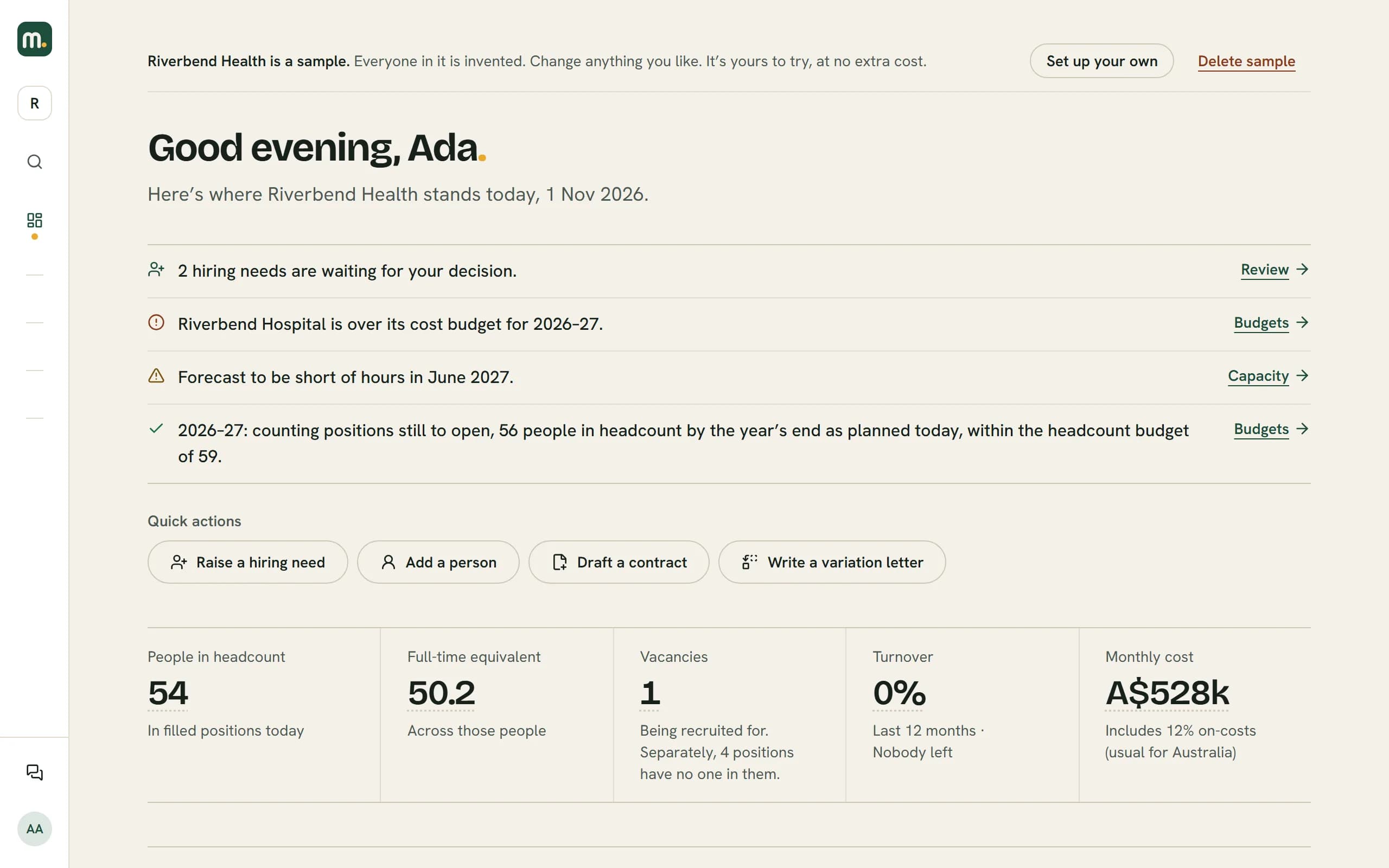
Who you have, where the year is heading, and whether you have the hours for the work.
People
Everyone who works for you, where they sit and when they started.
Sample organisation, everyone invented.
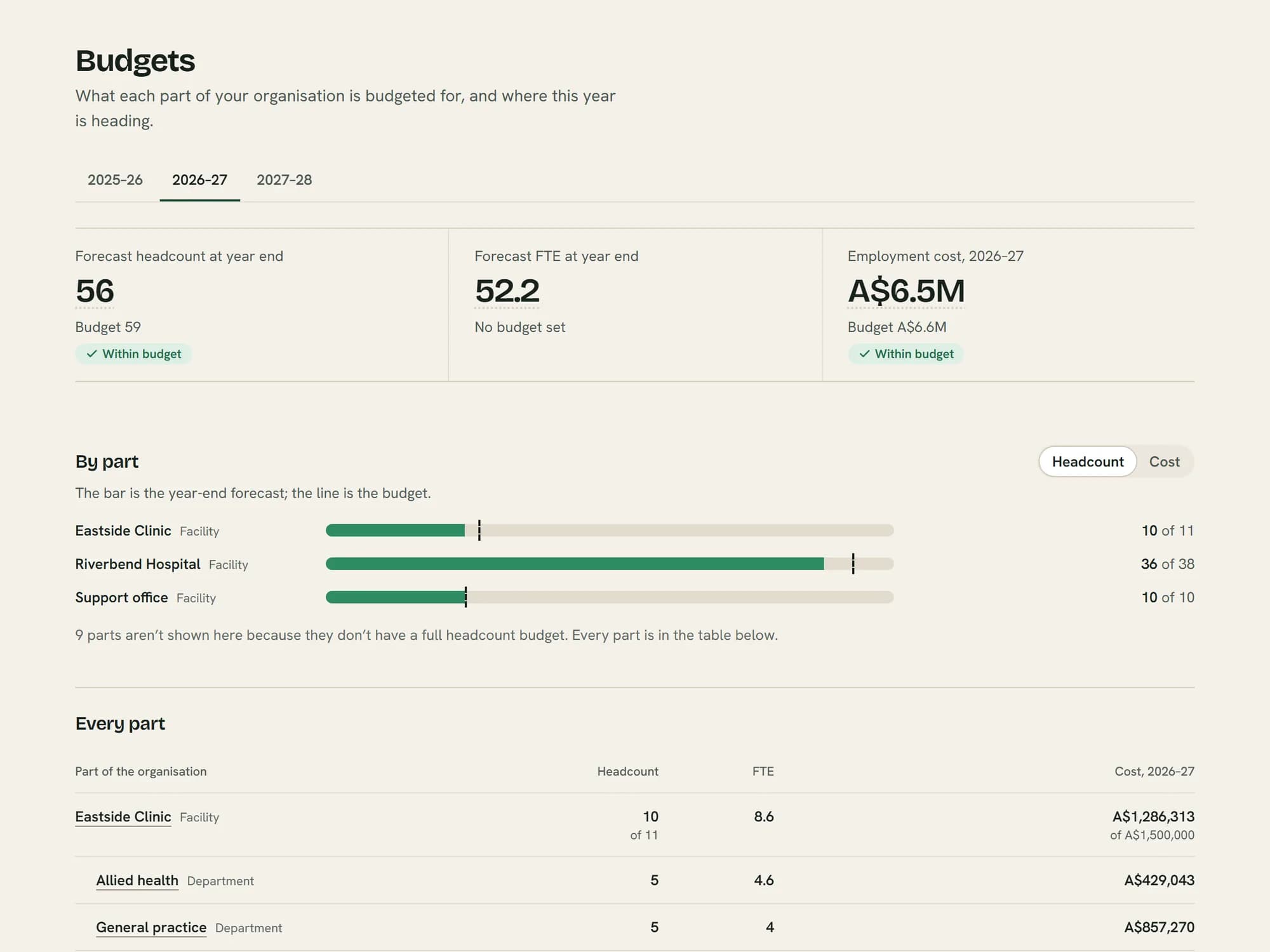
Budgets
A budget for each team and each year, against a forecast of the year’s end.
Sample organisation, everyone invented.
Capacity
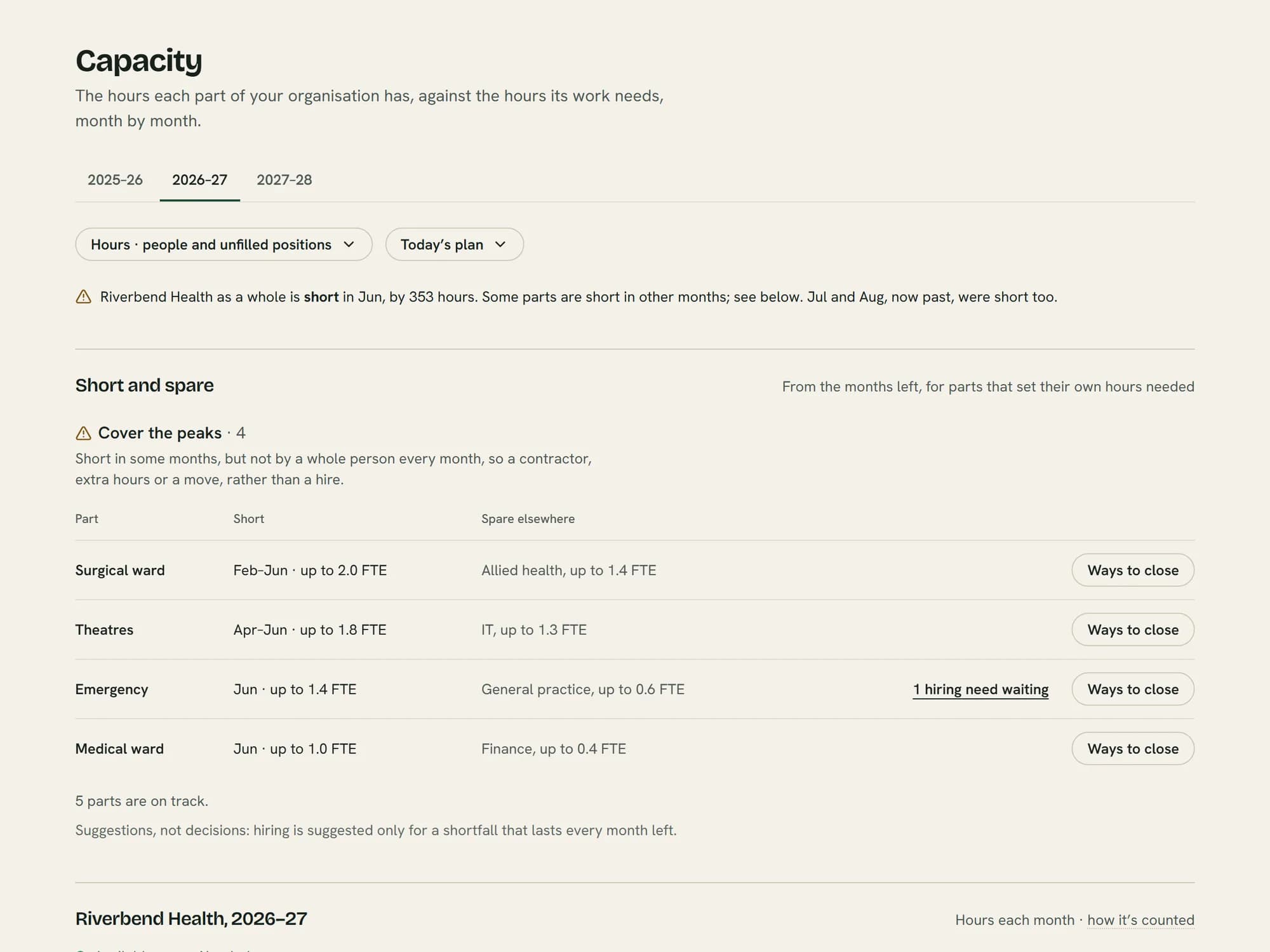
The hours each team has against the hours its work needs, month by month.
Sample organisation, everyone invented.
Every plan includes all of it, from a person’s first record to their last day.
The records you need to keep on everyone.
People
Everyone who works for you, with their position, documents and history.
Organisation
Your structure in your own words, with every position in it.
Licences and tickets
Every licence and ticket with its end date, and weekly reminders before it lapses.
Visa and work rights
Visa details and work rights, kept on each person’s record.
Employee sign-in
Employees sign in to see their own details, forms, reviews and courses.
Know what you have, and who you’ll need.
Budgets
Where the year will land, team by team, against its budget.
Scenarios
Try a change and see what it costs before anyone acts on it.
Capacity
The months you’re short of hours, and where in the organisation there are hours to spare.
Pay bands
Salary bands by role, feeding straight into your salary reviews.
Departure risk
Risks to your capabilities and teams, never a guess about a person.
Fill the roles your plan allows.
Future hiring needs
Managers ask for a hire with its cost and reason. You approve it with the budget in view.
Vacancies
Every vacancy at once: who’s in the running and which offers are waiting.
Recruitment
Advertise on your own careers page, with help posting to SEEK and Indeed. Every candidate and offer sits against the role’s budget.
Job library
Position descriptions, salary bands and job ad templates, ready to reuse.
Reference checks
Send a referee a link. Their answers come back to the hiring team.
Ready for day one before it arrives, and a clean last day.
Contracts
Drafted from your own templates and signed online, with no fee per signature.
New starters
They add their own bank and super details before day one. A checklist covers the rest.
Offboarding
Record the last day and reason, then work through the leaver checklist.
Help people improve, and review pay with the facts.
Performance
Reviews and plans: what needs to change, and the support on offer.
Salary reviews
Review pay against each person’s band, and have it approved.
Learning
Courses you build and give to your people, with who’s finished them.
What you’ve told people, and who has seen it.
Policies
Send a policy to sign, and see who has and who hasn’t.
Warning letters
Write a warning letter step by step, and keep it on the person’s record.
A manager asks for a hire with its cost and reason. You see what it does to the budget before you say yes.
Field services · Full-time
Why it’s needed
A new service contract starts in February, and the current crew is already on overtime most weekends.
Raised by Jordan Mills, Field services manager, on 12 Oct 2026.
If approved Field services, 2026-27
FTE
Over budget40.2to42.2of 41.01.2 over
Employment cost, 2026-27
Within budgetA$5,912,000toA$5,985,333of A$6,100,000A$114,667 left
Start from the spreadsheet you already have.
A walk through Monty with our team, set up like a business in your industry.
Over 250 people? Talk to us